
5 Trackman Metrics That Matter
Our expert Alex breaks down the five Trackman metrics that really matter and explains how to use them to improve your performance. Instead of chasing every number on the screen, you’ll learn which data points actually influence distance, accuracy and consistency — and how to apply them in practice to see real improvement.
1. Carry distance
I think that every single player should know their approximate carry distance. It's so much easier these days than when I was younger, and I would have my dad stood in the middle of the field shouting out yardages back at me. If you are at an indoor place, use the ball that you normally use, that's going to give you a very accurate reading on spin, which is going to give us that carry distance extremely accurate. If you are at a driving range, some of the balls don't have a lot of dimples on, try to pick the balls that are in the best condition, dry the mat, dry the ball and then take the distance from there. There's no excuse you shouldn't know exactly how far the club is going.
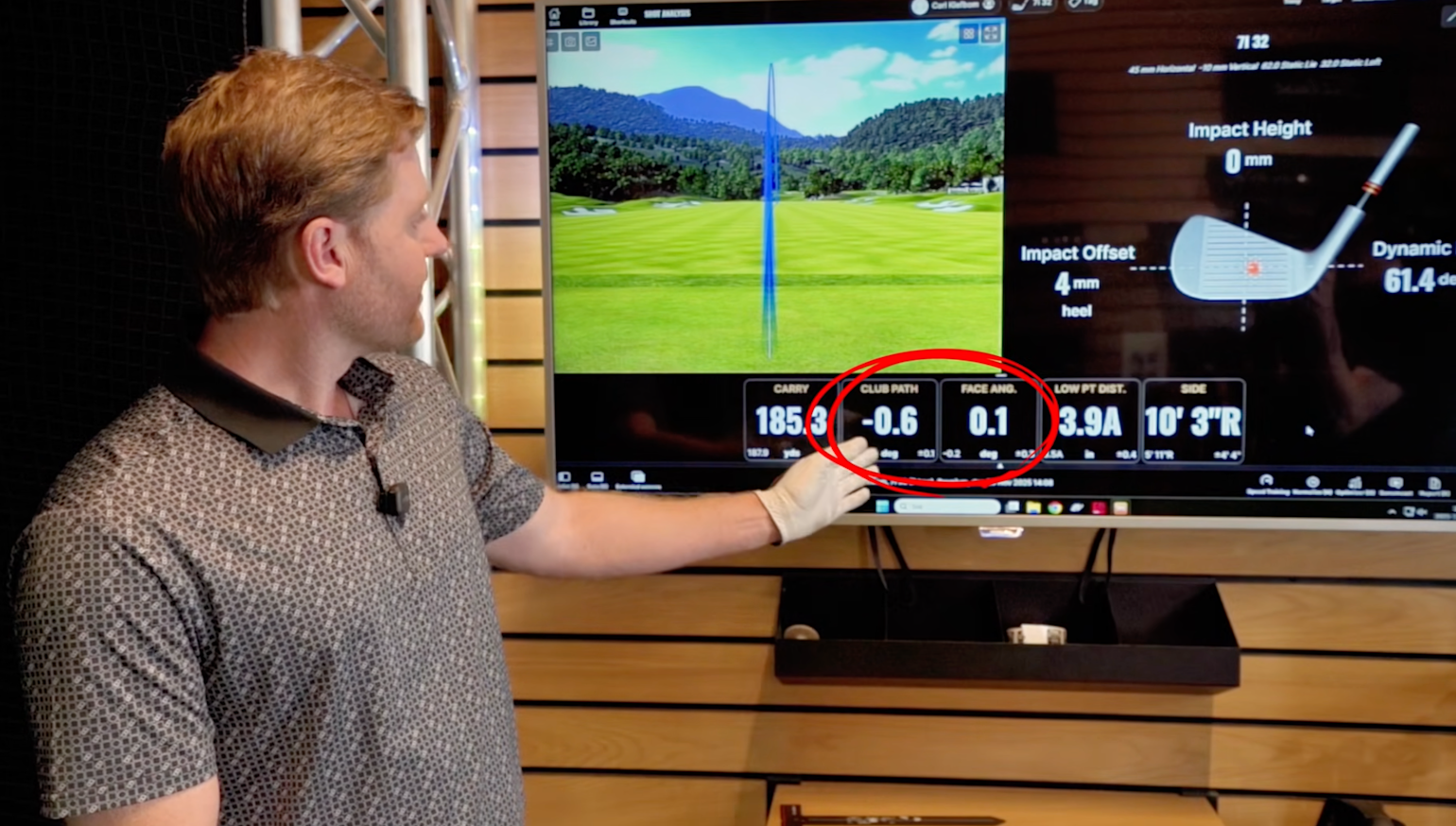
It is super important to understand these next two, club path and face angle, because these are the numbers that control the direction of your ball.
2. Club Path
You can only work on these next two at an indoor simulator place, it won't show up at an outdoor range. The club path is going to come in a form like this, with a minus or a positive number. If it's a minus number, it means that you're swinging from out to in (right handed golfer, if you're left handed, flip that around). Most of the people I teach, I try to get them between a -3 and a +3.
3. Face Angle
If the club face is a positive number, that means that the club face is open (right handed). We want to get as close to 0 as we can with the club face, you can never go wrong with a square face.
4. Low Point Distance
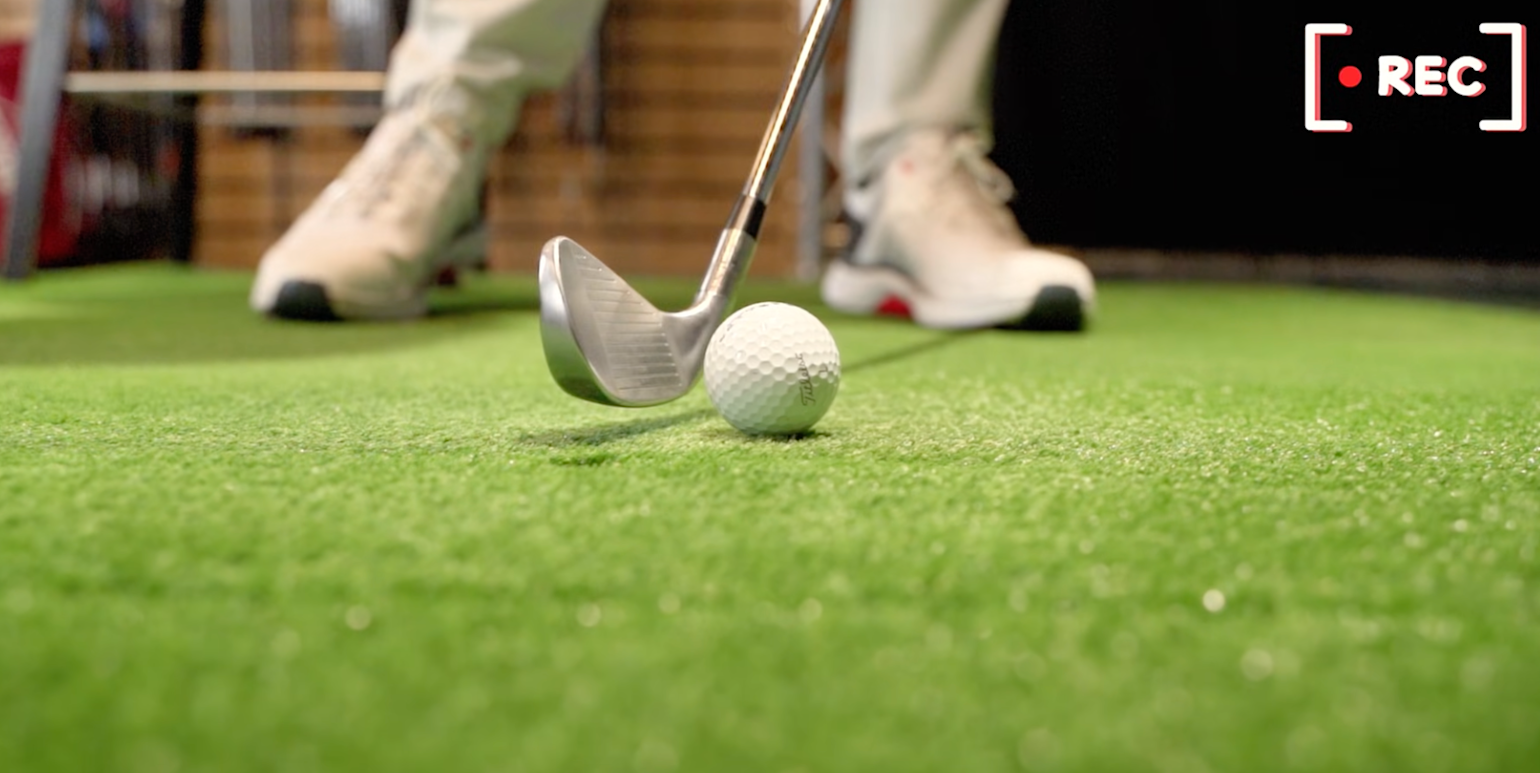
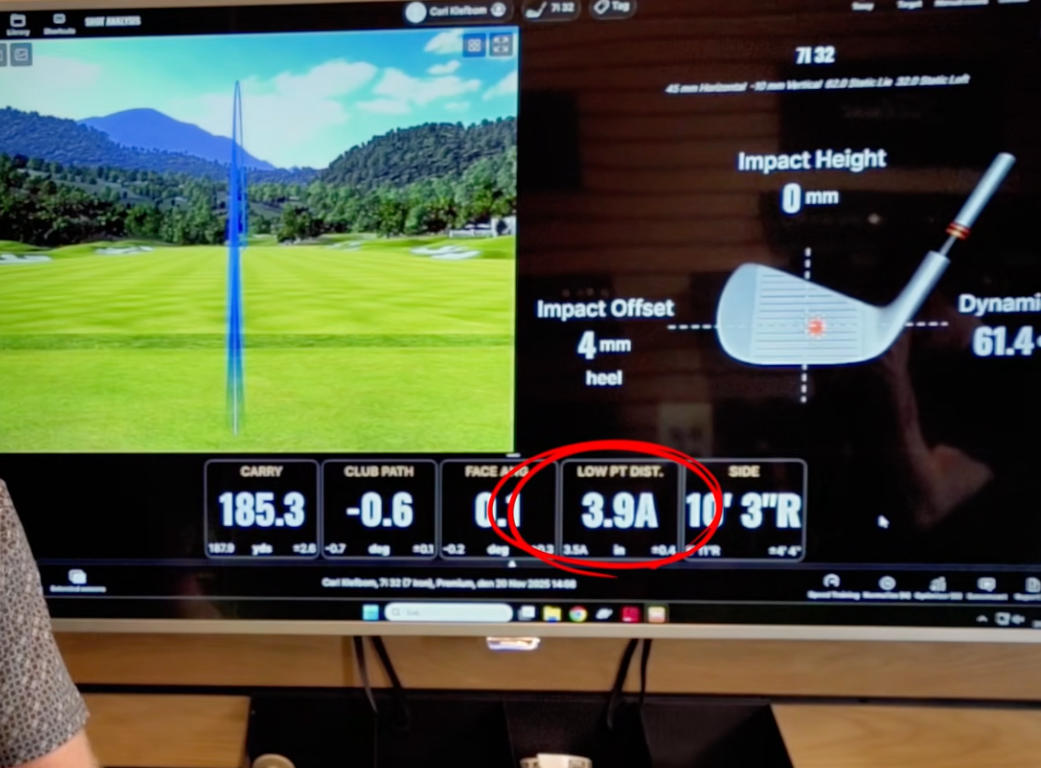
Peronally my favorite when I'm giving lessons. Think about the deepest part of your divot. That is going to be the lowest point in your swing ark. Mine here is 3.9A (after the ball). And that's the most important part, that the low point is after the ball. Most of the people I teach, I try to get them, with a 7 iron somewhere between 3 and 5 A. This is going to help you with your consistency of contact, especially out in the rough or if the ball is sat down slightly in the fairway.
5. Side
This is something you can get a bit obsessive over when you're either at the driving range or indoors. When you look into the screen or out in to the range and your ball is 10 yards off line, it feels like quite a lot. But remember, from a 150 yards, if your ball is 10 yards of line and pin high, that is almost the same as the PGA Tour average, which is 9 yards off the flag. So don't be to hard on yourself if the ball looks a little to the side, it's probably not as much as you think.
6. Contact on the face
Last but not least is the contact on the face. And this is where the indoor simulator software is at its best. Sometimes it can be hard to feel whether the ball has hit the toe or the heel, this is telling us exactly where the ball has hit. If you don't hit the ball in the centre of the face, it's very difficult to achieve consistent launch, spinn or carry distance. This is something you can train with a couple of easy drills, and it'll really pay dividends.
If you are indoors on a simulator, there's also a little tip to use an optimizer feature. This is going to tell you where you're losing distance and where you can maybe get som gains. There's also a really helpful AI feature on the Trackman, called Tracy, and she's going to give you some top tips.